
Open / activate
Hold L2/LT and press Options/Menu.

Zen King V1 – Aim & Recoil Black Ops 2 Cronus Zen Script

Zen King V1 is a Call of Duty Black Ops 2 Cronus Zen script for PS4 and PS5 with an OLED-driven menu for aim, recoil, firing, trigger, movement, and hold-breath controls.
The script includes toggleable Aim Assist, Left Stick Auto-Move, adjustable Anti Recoil with a 0–100 recoil value, Rapid Fire, Hair Triggers, and Hold Breath. Rapid Fire can also be toggled during gameplay with the L2 + D-Pad Up hotkey.
Zen King V1 stores its enabled mods and recoil value persistently, automatically loading saved settings when the script starts and saving changes when you exit the OLED menu.
Zen King V1 is designed as a focused Black Ops 2 Cronus Zen script for players who want configurable aim, recoil, firing, trigger, and movement options in a simple persistent OLED menu.
Source-verified controller guide
Open the menu, navigate settings, change values and save your configuration using the exact controls for this product.

Black Ops 2 instructions
Exact controller menu controls and setup flow for Aim & Recoil Black Ops 2.
PlayStation / Xbox equivalents are shown together
Hold L2/LT and press Options/Menu.
D-pad Up/Down moves through the main categories and submenu rows. D-pad Left/Right toggles the highlighted option or changes its value; holding Left/Right repeats on the anti-recoil value.
Cross/A enters Aim Assist, Anti-Recoil or Configuration from the main menu. Circle/B returns from a submenu to the main menu.
Press Circle/B from the top-level menu to close. The script automatically saves Aim Assist, Left Stick Assist, Anti-Recoil, recoil value, Rapid Fire, Hair Triggers and Hold Breath to persistent variables before returning home.
Zen King V1 has three main categories: Aim Assist, Anti-Recoil and Configuration. Circle/B only performs the full save-and-exit when pressed from the top-level menu.
Recommended setup order
Add Zen King V1 – Aim & Recoil Black Ops 2 Cronus Zen Script to an available Cronus Zen slot in Zen Studio and program the device.
Confirm the intended button layout, trigger layout, sensitivity, response curve, and deadzone settings for Black Ops 2 before tuning script values.
Hold L2/LT and press Options/Menu. D-pad Up/Down moves through the main categories and submenu rows. D-pad Left/Right toggles the highlighted option or changes its value; holding Left/Right repeats on the anti-recoil value.
Press Circle/B from the top-level menu to close. The script automatically saves Aim Assist, Left Stick Assist, Anti-Recoil, recoil value, Rapid Fire, Hair Triggers and Hold Breath to persistent variables before returning home. Change one value at a time and test the result in a training, practice, or private environment.
Verified values
Start with the original numeric values included in this script. These defaults provide the intended baseline before any personal fine-tuning.
 Settings verified
Recommended starting configuration
Only adjust values when your in-game sensitivity, deadzones or controller setup require it. Change one value at a time and save before testing.
Complete your setup
Explore more game-ready scripts selected to complement this product and expand your Cronus Zen library.
 COD
COD
Panda Aim V8 is built for Warzone players who want one detailed control centre for aiming,...
 COD
COD
EvilBot V8 is built around Warzone's changing weapon flow, combining Primary, Secondary, and Ground Loot profiles...
 COD
COD
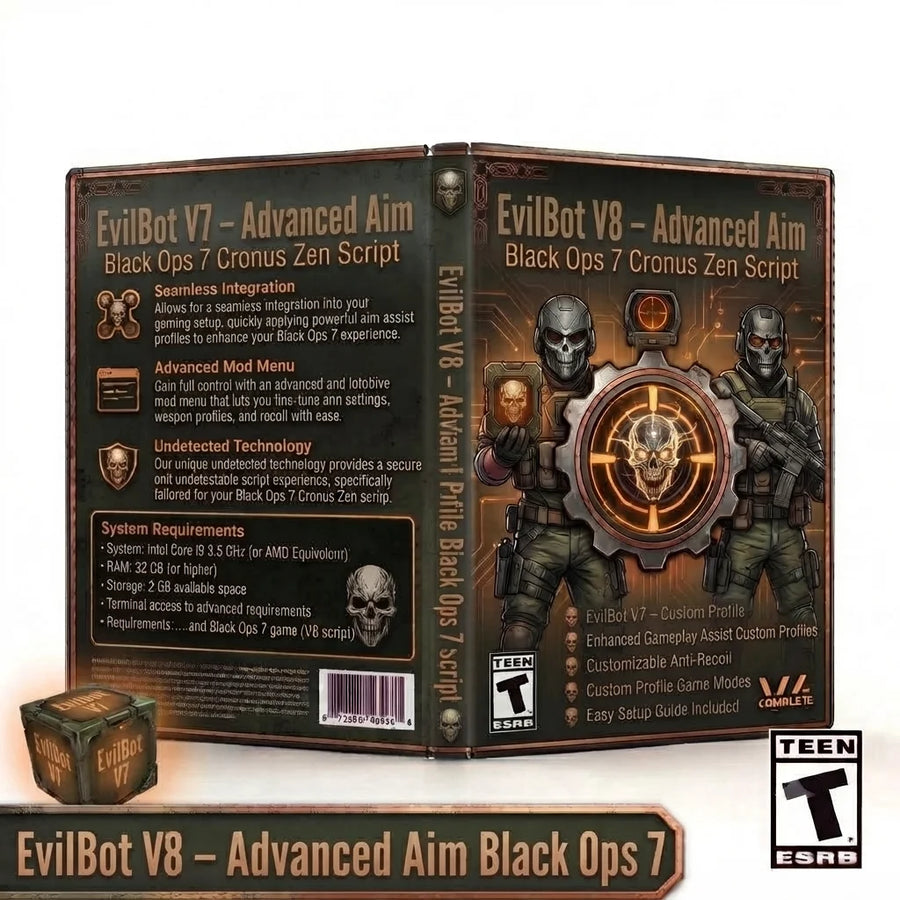
EvilBot V8 expands the Black Ops 7 setup with per-profile Aim Assist and Anti-Recoil, built-in aim...
 COD
COD
Phantom V7 expands the Warzone build into a more organized multi-profile controller system. This updated Warzone Cronus...
Setup help included
Set up your Zen, configure PS5 compatibility and install your CzenScripts files.