
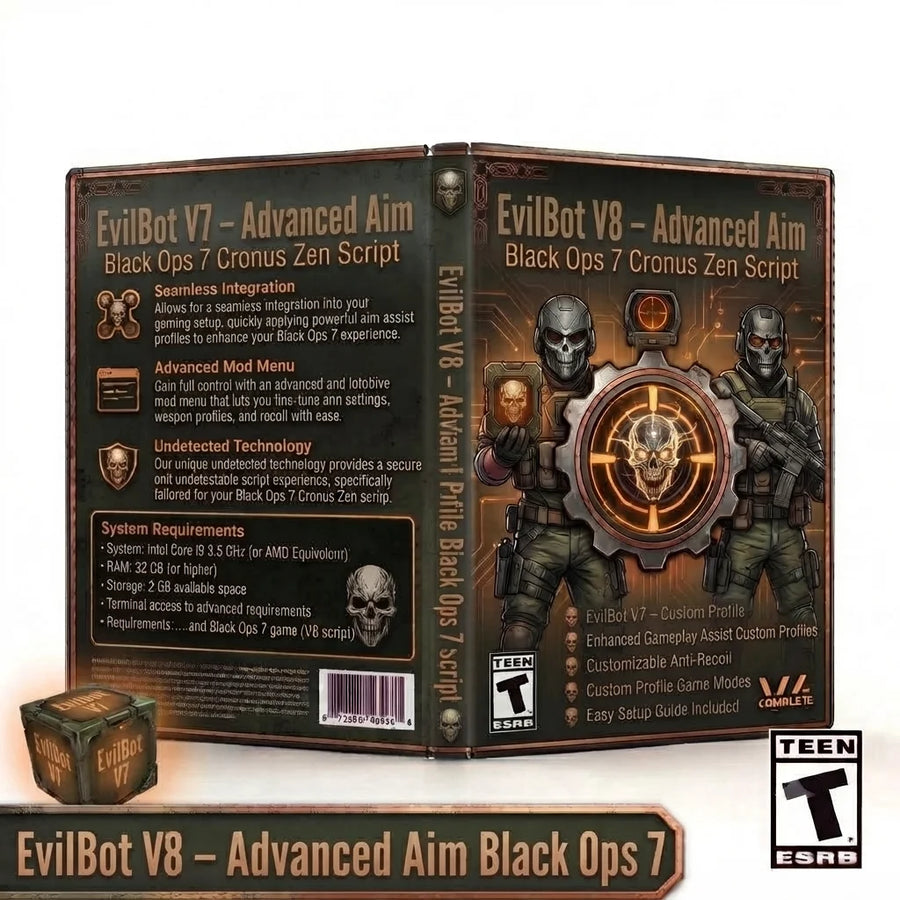
EvilBot V8 – Advanced Aim Black Ops 7 Cronus Zen Script
EvilBot V8 expands the Black Ops 7 setup with per-profile Aim Assist and Anti-Recoil,...
CzenScripts - #1 Best Zen Scripts
Browse Black Ops 7 Zen scripts with adjustable recoil, aim, firing and controller settings for different weapons and loadouts. Our Black Ops 7 scripts for Cronus Zen include downloadable GPC files, detailed feature information and clear setup guidance to help you compare the available options.
17 products
EvilBot V8 expands the Black Ops 7 setup with per-profile Aim Assist and Anti-Recoil,...

Build a highly configurable Black Ops 7 controller setup with Phantom V7, an updated Black...

Build a powerful, highly adjustable controller setup with Panda Aim V8 , a comprehensive...

Enhance your controller configuration with Exodus V3 , a feature-packed Black Ops 7 Cronus...

Eclipse V9 is an updated Black Ops 7 Cronus Zen script built around configurable...

Create a deeply customizable controller configuration with Nuke V3, an advanced Black Ops 7...

Build a configurable controller setup with Lethal Panda Fox V2, a Black Ops 7...

Upgrade your controller setup with Python Prime V3.2, an advanced Black Ops 7 Cronus...

Build a responsive and easy-to-configure controller setup with Shock Aim V1.1, a streamlined Black...

Shadow V2 is a weapon-focused Black Ops 7 Cronus Zen script built around adjustable...

Ghost V3 gives Black Ops 7 players a structured multi-profile controller setup built around...

Zen King Aim V6 brings the Zen King aim-focused script line to Black Ops...

Build a configurable controller setup with Ace Scripts Echo, a Black Ops 7 Cronus...

Build a configurable controller setup with Zenplanet Ares, a Black Ops 7 Cronus Zen...

Build a configurable controller setup with Melt Your Enemy V2, a Black Ops 7...

Build a configurable controller setup with Zenshot V11, a Black Ops 7 Cronus Zen...

Bring Wolf V1 into Black Ops 7 as a configurable multiplayer-focused controller script with...
Compare the catalogue
Compare every script in this collection by its main system, profile structure, extra tools and setup difficulty.
| Script | Best for | Aim system | Recoil system | Profiles | Movement tools | Difficulty |
|---|---|---|---|---|---|---|
| Panda Aim V8 | Advanced tuning | Polar multi-mode aim | Profile-based adaptive recoil | Multiple | Full movement suite | Advanced |
| Exodus V3 | Focused sticky aim | Polar sticky-aim engine | Adjustable anti-recoil | 1 | Moderate movement tools | Intermediate |
| Shadow V2 | Weapon, recoil and controller tuning | Aim Assist, Aim Lock and Human Behavior | Per-weapon anti-recoil with vertical and horizontal correction | 3 weapon profiles | Bump ping, hair triggers, anti-drift and layout tools | Advanced |
| Eclipse V9 | Advanced weapon, aim and profile tuning | Shake Assist and Shake Style with Human Behavior, Ghost Tracker and Silent Aim | Per-weapon anti-recoil and editable weapon tuning | Primary + Secondary + Ground Loot | Automatic/manual profile switching, auto ping, auto slide, drop shot and hold breath | Advanced |
| Phantom V7 | Advanced profile-aware aim and firing control | Aim+, Beam+, Magnet+, Target+, HipFire+ and Tracking+ | Primary and Secondary vertical/horizontal anti-recoil | Primary + Secondary | Rapid/burst fire, strafe, crouch, jump, drop, ping, slide cancel, BHop, sniper and Drive Mode | Advanced |
| Ghost V3 | Multi-profile recoil and controller tuning | Sticky Aim, Aim Lock and Human Behaviour | Weapon presets plus custom vertical and horizontal anti-recoil | Primary + Secondary + Ground Loot | Anti-drift, deadzones, hair triggers, rumble block and controller-layout tools | Advanced |
| EvilBot V8 | Advanced profile, aim and controller tuning | Per-profile Aim Assist presets with Magnet Aim and Zen Polar tuning | Per-profile Anti-Recoil with scaled timing | Primary + Secondary + Ground Loot | Profile cycling, custom button mapping, autosave, VM-speed detection and full-script kill switch | Advanced |
| Shock Aim V1.1 | Simple setup | XY tracking aim | Universal anti-recoil | 1 | Ping, drop shot, slide and sprint | Beginner |
| Nuke V3 | Mixed aim and movement tuning | iAim, tracking and headshot magnet | Custom and all-profile recoil | Multiple | Full movement and firing suite | Advanced |
| Python Prime V3.2 | Adaptive aim assistance | Polar aim with LS and RS assist | Universal anti-recoil | 1 | Ping, slide, rapid fire and sprint | Intermediate |
| Zenshot V11 | Precision aim and weapon profiles | Sticky, polar and headshot assist | Weapon anti-recoil profiles | Multiple | Drop shot, auto slide and auto ping | Advanced |
| Melt Your Enemy V2 | Deep multi-weapon tuning | Crescens polar, Stealth polar and sticky aim | Per-weapon recoil profiles | 10 weapon slots | Full movement, sniper and firing suite | Advanced |
| Zenplanet Ares | Straightforward balanced setup | Aim and strafe assist | Vertical and horizontal anti-recoil | 1 | Strafe, rapid fire and auto ping | Beginner |
| Ace Scripts Echo | Balanced multi-aim setup | Aim, steady aim and headshot assist | Vertical and horizontal recoil reducer | 1 | Slide, rapid fire, drop, jump and ping | Intermediate |
| Lethal Panda Fox V2 | AimLock-focused tuning | Polar AimLock system | Adaptive recoil control | Multiple modes | Full movement suite | Advanced |
| Wolf V1 | Preset-based Multiplayer FPS tuning | Run N Gun, Hybrid and Sniper aim presets with Multiplayer mode | Adjustable vertical and horizontal Recoil Help | 3 playstyles | Slide Cancel, Bunny Hop, Drop Shot, Jump Shot, Rapid Fire and Hold Breath | Intermediate |
| Zen King Aim V6 | Aim-focused controller tuning | Polar aim with Aimlock and Human Behavior / Tracker controls | Adjustable vertical and horizontal anti-recoil | 1 | Slide Cancel, Rapid Fire, Auto Ping, Bunny Hop and controller-layout tools | Advanced |
Feature summaries are based on the supplied script files and catalogue naming. Obfuscated builds are summarized conservatively. Difficulty describes menu depth and tuning complexity, not gameplay performance.
Black Ops 7 script collection
Explore Black Ops 7 GPC scripts from CzenScripts, with product-level feature details and configuration notes that help you choose a script and prepare it for your own controller setup.
Choose between a streamlined universal configuration and scripts with primary, secondary or custom profiles. More profiles add flexibility but also require a more deliberate setup process.
Black Ops 7 products can use polar, omni, sticky, tracking or adaptive aim approaches. Compare the menu controls and adjustable fields rather than relying only on the product name.
Slide, strafe, rapid-fire, burst and other combat utilities vary widely between scripts. A focused setup can be easier to manage than enabling every available module.
Button layout, stick layout, trigger configuration and deadzone values should match the script instructions before you tune aim or recoil behaviour.
Black Ops 7 products can be separated by how quickly they switch profiles, how much aim adjustment they expose and how many combat modules they combine.
Compare focused sticky or tracking engines with polar, omni, multi-mode and headshot-oriented systems.
Focused menus are easier to learn; multi-engine builds provide more tuning depth.
Check universal, primary and secondary, custom, sniper or multiple-profile support.
Best for matching either one main class or several multiplayer classes.
Compare rapid fire, akimbo, burst, slide, YY, ping and other movement or firing modules.
Best for deciding whether you need a clean aim build or a full multiplayer toolkit.
Start with a single class so aim and recoil changes are easy to identify.
Match layout, trigger flip, sensitivity and deadzones.
Select one primary class and load its default profile.
Tune aim and recoil before enabling rapid or movement features.
Copy the process to secondary or specialist profiles after testing.