
Open / activate
Hold L2/LT and press Options/Menu.

Python Prime V3.2 – Adaptive Aim Black Ops 7 Cronus Zen Script

Upgrade your controller setup with Python Prime V3.2, an advanced Black Ops 7 Cronus Zen script featuring adaptive aim assistance, automatic tracking, anti-recoil, right- and left-stick assistance, drift removal, rapid fire, and movement macros.
Python Prime V3.2 offers multiple aim-assist styles, including Rotation, Adaptive, and Constant modes. Users can switch between Smooth and Sticky aim behaviour and adjust strength, speed, circular movement, and activation conditions.
The Auto Track system provides configurable strength and several activation options, including Fire Only, ADS Only, ADS and Fire, ADS or Fire, and Always On. Right-stick and left-stick assistance can be adjusted independently for greater control over aiming and movement behaviour.
Its recoil system supports Traditional and Adaptive modes, separate vertical and horizontal controls, adjustable strength, speed, and multiple activation settings.
Python Prime V3.2 is an excellent option for users searching for an adaptable Call of Duty Black Ops 7 Cronus Zen script with automatic tracking, sticky or smooth aim styles, detailed recoil adjustment, drift control, and essential movement macros.
Source-verified controller guide
Open the menu, navigate settings, change values and save your configuration using the exact controls for this product.

Black Ops 7 instructions
Exact controller menu controls and setup flow for Adaptive Aim Black Ops 7.
PlayStation / Xbox equivalents are shown together
Hold L2/LT and press Options/Menu.
D-pad Up/Down moves through the main list. Follow the OLED directions inside each section; numeric editors use Left/Right and support held-direction repeat.
Cross/A enters the highlighted section. Circle/B returns to the previous level.
Press Circle/B from the top-level menu to run the complete save routine and close.
Recommended setup order
Add Python Prime V3.2 – Adaptive Aim Black Ops 7 Cronus Zen Script to an available Cronus Zen slot in Zen Studio and program the device.
Confirm the intended button layout, trigger layout, sensitivity, response curve, and deadzone settings for Black Ops 7 before tuning script values.
Hold L2/LT and press Options/Menu. D-pad Up/Down moves through the main list. Follow the OLED directions inside each section; numeric editors use Left/Right and support held-direction repeat.
Press Circle/B from the top-level menu to run the complete save routine and close. Change one value at a time and test the result in a training, practice, or private environment.
Verified values
Start with the original numeric values included in this script. These defaults provide the intended baseline before any personal fine-tuning.
 Settings verified
Recommended starting configuration
Only adjust values when your in-game sensitivity, deadzones or controller setup require it. Change one value at a time and save before testing.
Complete your setup
Explore more game-ready scripts selected to complement this product and expand your Cronus Zen library.
 BO7
BO7
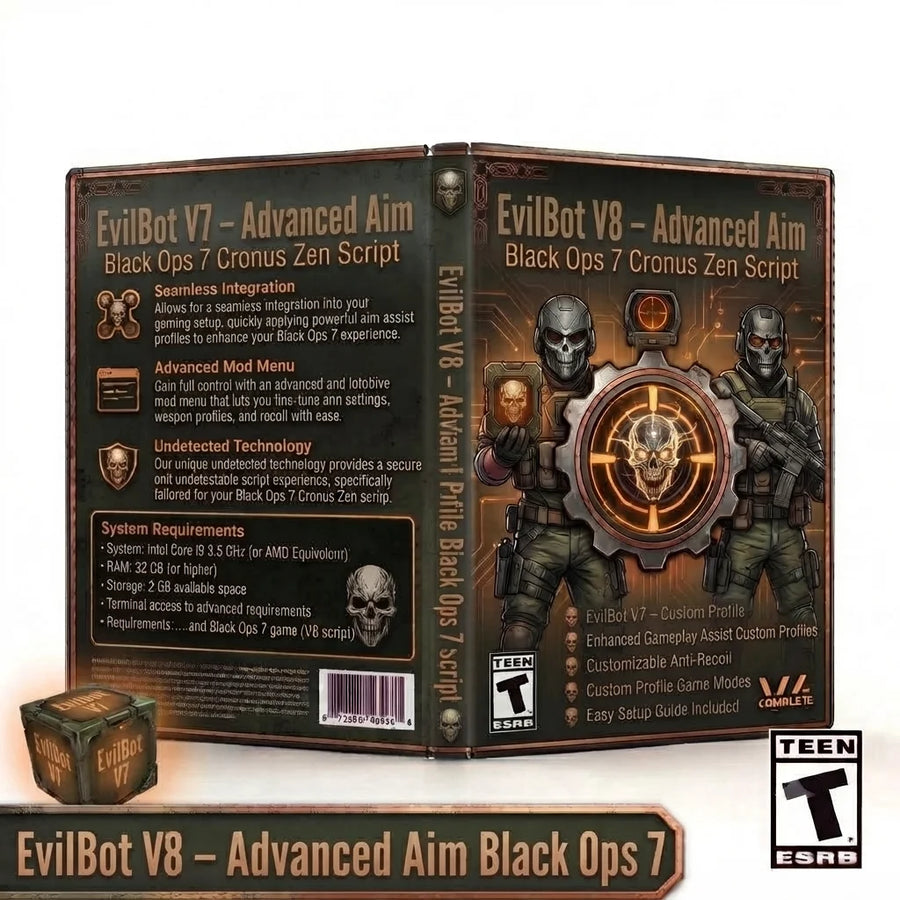
EvilBot V8 expands the Black Ops 7 setup with per-profile Aim Assist and Anti-Recoil, built-in aim...
 BO7
BO7
Build a highly configurable Black Ops 7 controller setup with Phantom V7, an updated Black Ops 7...
 BO7
BO7
Build a powerful, highly adjustable controller setup with Panda Aim V8 , a comprehensive Black Ops...
 BO7
BO7
Enhance your controller configuration with Exodus V3 , a feature-packed Black Ops 7 Cronus Zen script...
Setup help included
Set up your Zen, configure PS5 compatibility and install your CzenScripts files.