
Open / activate
Hold L2/LT and press Options/Menu.

Ghost V3 – Multi-Profile Black Ops 2 Cronus Zen Script

Bring Ghost V3’s configurable recoil and aim system to Black Ops 2 with a setup focused on multiplayer weapon management and controller adjustment. This Black Ops 2 Cronus Zen script offers three separate recoil profiles so you can prepare Primary and Secondary weapon values while keeping a third Ground Loot profile available when you want another recoil configuration ready to switch to.
Inside the OLED menu, recoil can be configured through custom vertical and horizontal correction or through the script’s included weapon presets. Sticky Aim, Aim Lock distance, skill presets, and Human Behaviour controls provide additional aim configuration, while Anti-Drift, deadzone settings, layout selection, Hair Triggers, and Rumble Block cover the controller side of the setup.
Ghost V3 does not include a separately named Black Ops 2 game option in its menu; for this listing, its MP mode is the relevant multiplayer configuration, with the remaining recoil and aim values adjusted to suit your Black Ops 2 setup.
Source-verified controller guide
Open the menu, navigate settings, change values and save your configuration using the exact controls for this product.

Black Ops 2 instructions
Exact controller menu controls and setup flow for Multi-Profile Black Ops 2.
PlayStation / Xbox equivalents are shown together
Hold L2/LT and press Options/Menu.
D-pad Up/Down scrolls through menu rows. D-pad Right increases, advances or cycles the highlighted value; D-pad Left decreases or moves to the previous option. Holding Left/Right repeats on supported numeric values. With the menu closed, hold L2/LT and press D-pad Right to cycle the recoil profile from Primary to Secondary to Ground Loot.
Cross/A selects the highlighted item or enters a submenu. Circle/B returns to the previous menu level.
Press Circle/B repeatedly until the menu fully exits back to gameplay. The source labels this flow as Exit & Save.
Ghost V3 uses the same verified OLED control scheme for its Black Ops 7, Warzone, Modern Warfare 4, Black Ops 2 and Battlefield 6 listings. The quick profile shortcut cycles Primary, Secondary and Ground Loot while the menu is closed.
Recommended setup order
Add Ghost V3 – Multi-Profile Black Ops 2 Cronus Zen Script to an available Cronus Zen slot in Zen Studio and program the device.
Confirm the intended button layout, trigger layout, sensitivity, response curve, and deadzone settings for Black Ops 2 before tuning script values.
Hold L2/LT and press Options/Menu. D-pad Up/Down scrolls through menu rows. D-pad Right increases, advances or cycles the highlighted value; D-pad Left decreases or moves to the previous option. Holding Left/Right repeats on supported numeric values. With the menu closed, hold L2/LT and press D-pad Right to cycle the recoil profile from Primary to Secondary to Ground Loot.
Press Circle/B repeatedly until the menu fully exits back to gameplay. The source labels this flow as Exit & Save. Change one value at a time and test the result in a training, practice, or private environment.
Verified values
Start with the original numeric values included in this script. These defaults provide the intended baseline before any personal fine-tuning.
 Settings verified
Recommended starting configuration
Only adjust values when your in-game sensitivity, deadzones or controller setup require it. Change one value at a time and save before testing.
Complete your setup
Explore more game-ready scripts selected to complement this product and expand your Cronus Zen library.
 COD
COD
Panda Aim V8 is built for Warzone players who want one detailed control centre for aiming,...
 COD
COD
EvilBot V8 is built around Warzone's changing weapon flow, combining Primary, Secondary, and Ground Loot profiles...
 COD
COD
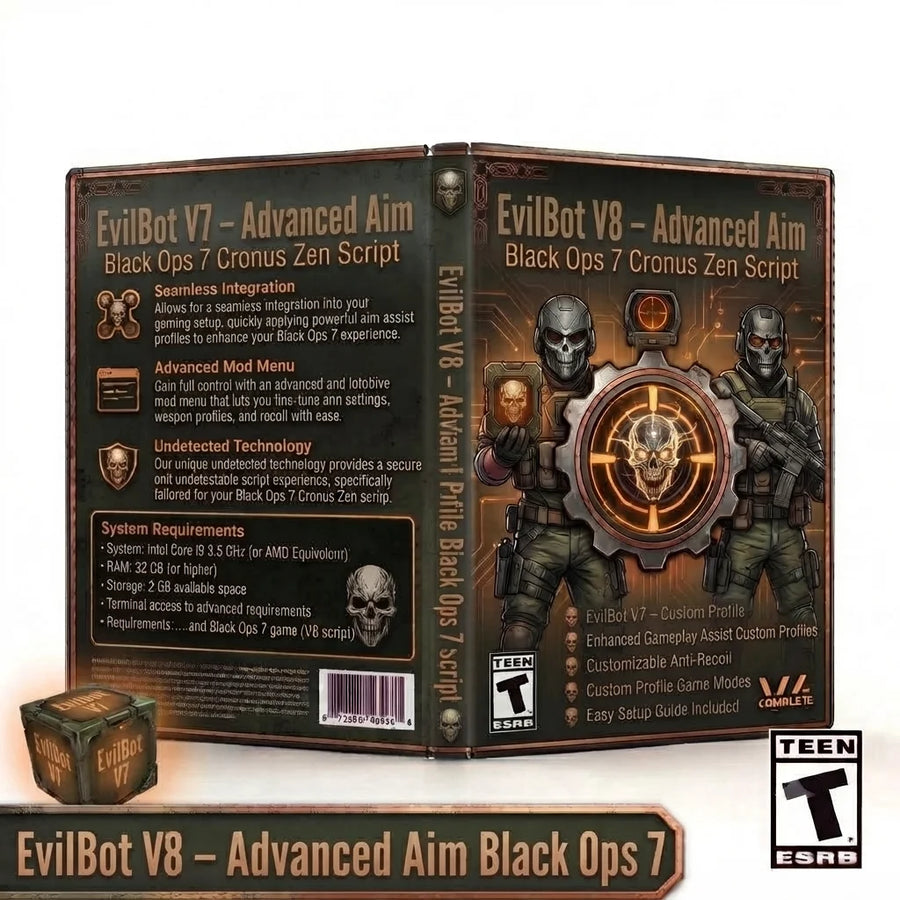
EvilBot V8 expands the Black Ops 7 setup with per-profile Aim Assist and Anti-Recoil, built-in aim...
 COD
COD
Phantom V7 expands the Warzone build into a more organized multi-profile controller system. This updated Warzone Cronus...
Setup help included
Set up your Zen, configure PS5 compatibility and install your CzenScripts files.